
How to Search Jackson County Court Records
Jackson County court records are searched first through the North Carolina eCourts Portal, the statewide public access system for case information, hearings, payments, and judgment searches. Jackson County joined the western North Carolina eCourts Track 5 launch on July 22, 2024, so the county does not maintain a separate local civil or criminal case database. The Portal dashboard links to Smart Search, Search Hearings, Make Payments, and NC Judgment Search. It requires JavaScript, cookies, supported browsers, and a CAPTCHA challenge every ten minutes for anonymous, registered, and elevated-access users.
Start with the clearest identifier available. A record number or case number is best. A name search should use the Last, First Middle Suffix format when possible. For a business, use the advanced search-type filter for business name. The Portal may show case information, records, and some documents, but public document visibility can vary by case type, user role, redaction, and access level. Background-check-oriented searches, certified copies, older files, and questions about documents not shown online should go to the Jackson County Clerk of Superior Court.
- Open the eCourts Portal and choose Smart Search for case records or Search Hearings for court dates.
- Enter a record number, citation number, party name, attorney name, attorney bar number, business name, or nickname.
- Expand Advanced Filtering Options and set the location to Jackson County when the search spans all North Carolina counties.
- Use case type, case status, file-date, party, or business-name filters when a common name returns too many records.
- Contact the Clerk of Superior Court for certified copies, background-check records, older files, or documents not visible online.
The eCourts Smart Search page is the correct starting point for most Jackson County court records. The state court-records help topic also notes that people seeking background checks should use the clerk's office rather than relying only on Portal results.
The manifest source for this Portal view is the North Carolina eCourts Portal dashboard.
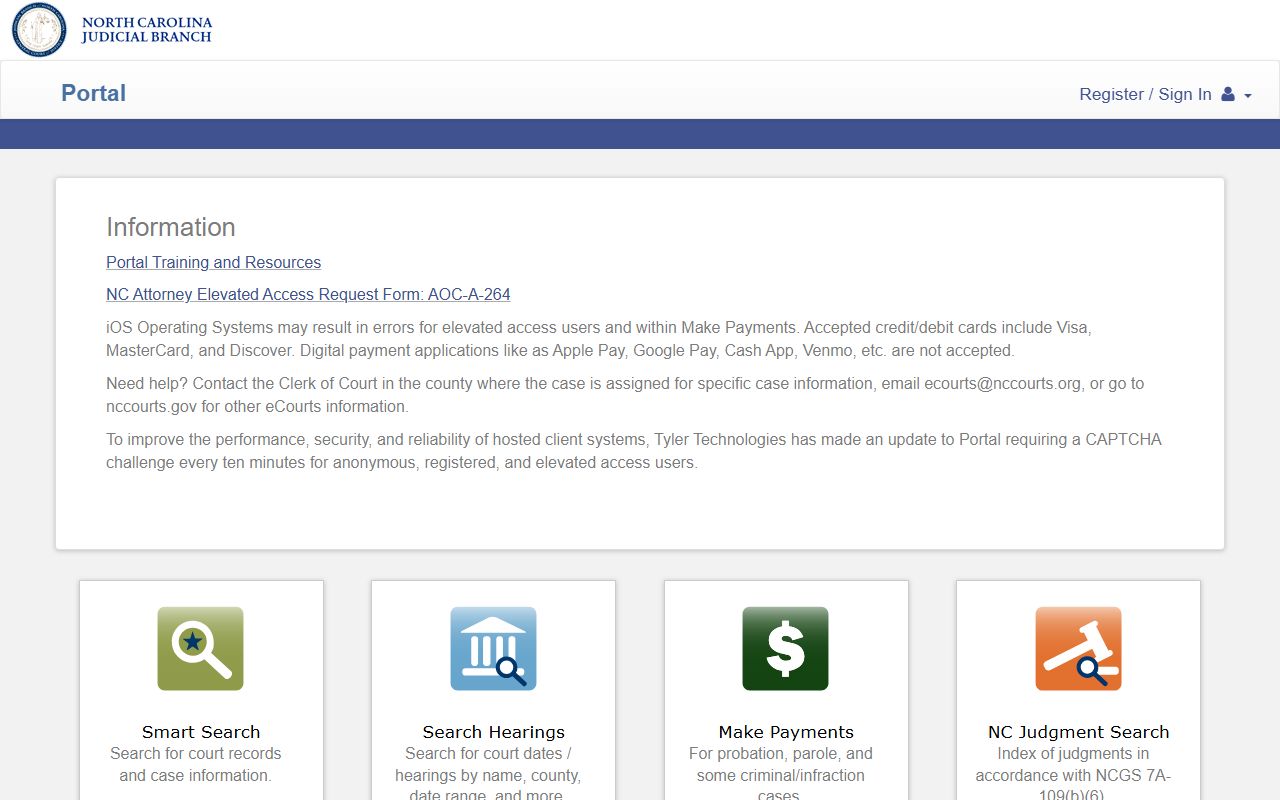
The dashboard matters because Jackson County case searches, hearing searches, payments, and judgment lookups are grouped in one statewide access point.
Jackson County Court Records Search Fields
Smart Search accepts several search paths, but it still works best when Jackson County is selected as the location filter and the search term is specific. Wildcard searches are allowed, yet they have minimum character rules. A case-number wildcard needs at least four characters. A last-name wildcard needs at least three characters plus an asterisk, and a first-name wildcard needs at least one character plus an asterisk.
| Field Label | Type | Required | Notes / Format |
|---|---|---|---|
| Record Number or Name | Text | Yes, one criterion | Use a record number or Last, First Middle Suffix name format. |
| Last Name / First Name | Text | Conditional | Wildcard last name needs three characters and *; first name needs one character and *. |
| Advanced Filtering Options | Expandable panel | No | Opens general, party, and case search criteria. |
| Filter by Location | Dropdown / multi-select | No | Select Jackson County to avoid statewide results. |
| Filter by Search Type | Dropdown | No | Use for party name, nickname, business name, or sounds-like searches. |
| Case Type / Case Status | Filter | No | Available in Smart Search, though static research did not expose every option. |
| File Date Start / End | Date | No | Narrows results to a filing-date range. |
| Attorney or Citation Search | Text / search route | No | Portal FAQ supports attorney bar number, attorney name, and citation-number searches. |
The 2026 eCourts Portal FAQ explains that public and elevated users can search by party, record number, citation, attorney, business, cross-reference number, or nickname. Exact document access is not guaranteed from the search screen alone.
Types of Jackson County Court Records
Jackson County court records are filed through the Clerk of Superior Court for both Superior Court and District Court. Superior Court generally handles felony criminal matters, civil cases over $25,000, major civil cases, and appeals from District Court. District Court handles misdemeanors, infractions, traffic, family, juvenile, small claims appeals, magistrate-related matters, and civil cases within its jurisdiction. This split affects where a case is heard, but the local records office remains the Clerk of Superior Court.
Several records are court records, while others belong to a different county or state office. Divorce judgments are court files. Marriage licenses, birth certificates, death certificates, plats, and land recordings are handled by the Jackson County Register of Deeds. Federal cases from Jackson County are outside the North Carolina eCourts system and must be searched through PACER or the federal court clerk for the Western District of North Carolina.
- Civil case records can include complaints, answers, motions, orders, judgments, notices, and docket entries.
- Criminal case records can include charging instruments, pleas, bonds, orders, judgments, dispositions, sentences, probation terms, fines, and costs.
- Family and divorce records are District Court matters, with adoption and juvenile-related records restricted by law.
- Probate and estate records are handled by the Clerk of Superior Court acting as the probate official.
- Traffic records are District Court cases and may also connect to NCDMV driver records, which are separate files.
- Judgments and liens may appear through NC Judgment Search under the clerk indexing rules in state law.
The manifest image source for statewide court-record guidance is the North Carolina Judicial Branch court records help topic.
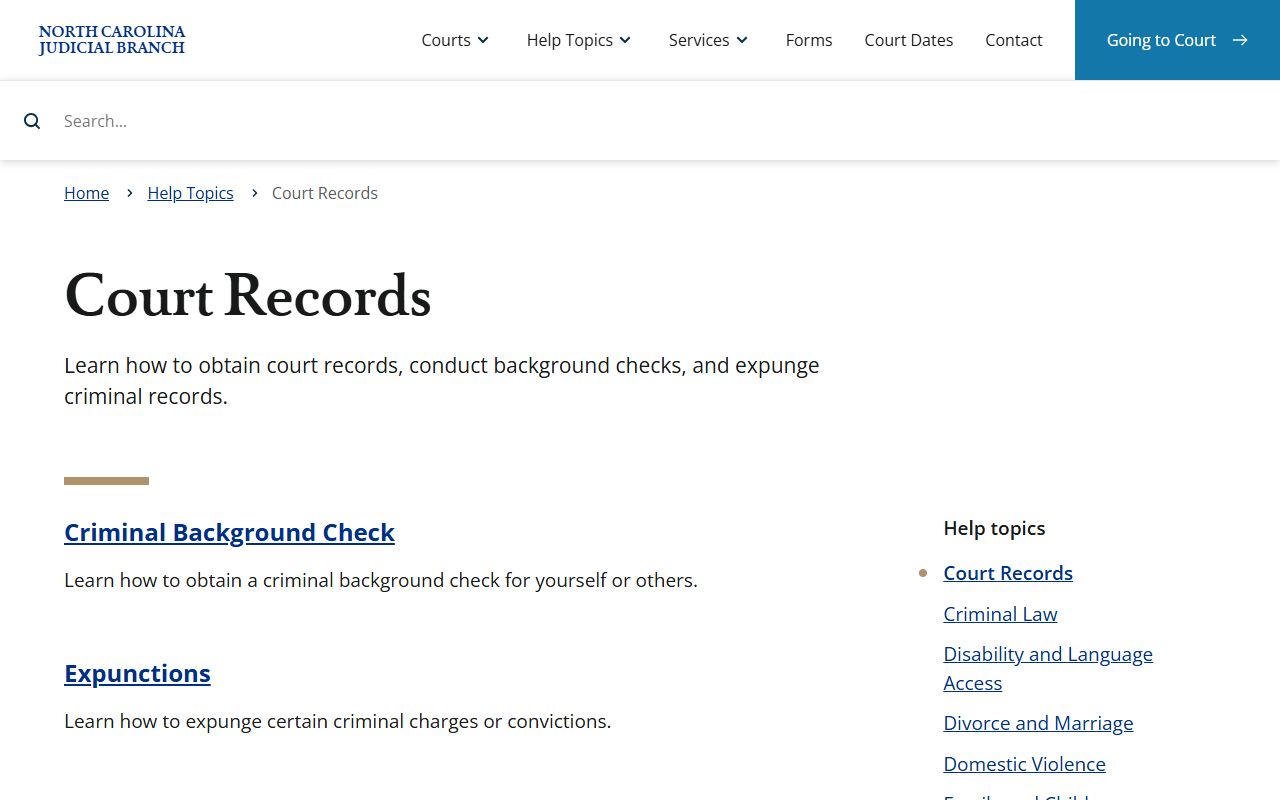
That state help topic supports the local split between online case lookup, clerk copy requests, and records that must be obtained from other official offices.
What Jackson County Court Records Show
A Jackson County court record usually identifies the case and tracks activity from filing to outcome. The Portal search interface exposes record numbers, party names, business-name searches, attorney searches, citation searches, case type, case status, and filing-date filters. A full case file or docket may also show hearings, motions, orders, judgments, continuances, dispositions, payments, and available documents. Some fields are visible online, while certified or complete copies may still require a clerk request.
| Field | What It Shows |
|---|---|
| Case Number | The court's unique record identifier, also useful for wildcard searching when at least four characters are known. |
| Party Names | Plaintiffs, defendants, petitioners, respondents, defendants in criminal cases, or business parties. |
| Case Type and Status | The kind of matter and whether it appears active, closed, pending, disposed, or otherwise categorized in the court system. |
| Filing Date | The date the case-opening document or pleading was filed with the clerk. |
| Docket Entries | A chronological record of filings, hearings, motions, orders, judgments, continuances, dispositions, and payments if available. |
| Documents | Public documents may be viewable, but access depends on case type, role, redaction, registration, and restrictions. |
| Financial Fields | Court costs, fines, fees, payments, or traffic amounts may appear online or be available from the clerk. |
| Redactions | Protected identifiers, juvenile information, confidential addresses, mental health details, sealed records, and expunged records are withheld or masked. |
- Docket
- A chronological list of filings, hearings, orders, and case events.
- Disposition
- The current or final outcome of a case or charge.
- Redaction
- The removal or masking of information that is not public.
Public Access to Jackson County Court Records
North Carolina treats many court records as open for public inspection unless a statute, rule, or court order says otherwise. N.C. Gen. Stat. § 7A-109 requires clerks to maintain records, files, dockets, and indexes and makes those records open during regular office hours unless access is prohibited by law. N.C. Gen. Stat. § 132-1 defines public records broadly and states the public policy for access at free or minimal cost unless another law applies.
The practical access chain is simple. Search eCourts Smart Search first, filter to Jackson County, then use Search Hearings for court dates. If online results do not supply the needed document, use the Judicial Branch public records request page for agency records or contact the Clerk of Superior Court for court-document copies. Clerk costs come from statewide current court-cost schedules. Research identified copy preparation at $2 for the first page and $0.25 for each additional page, $3 for a certificate under seal, and $10 for exemplification.
Note: Online Portal results are useful search leads, but certified Jackson County court records must come from the clerk.
The manifest image source for copy guidance is Obtaining Court Records from the North Carolina Judicial Branch.
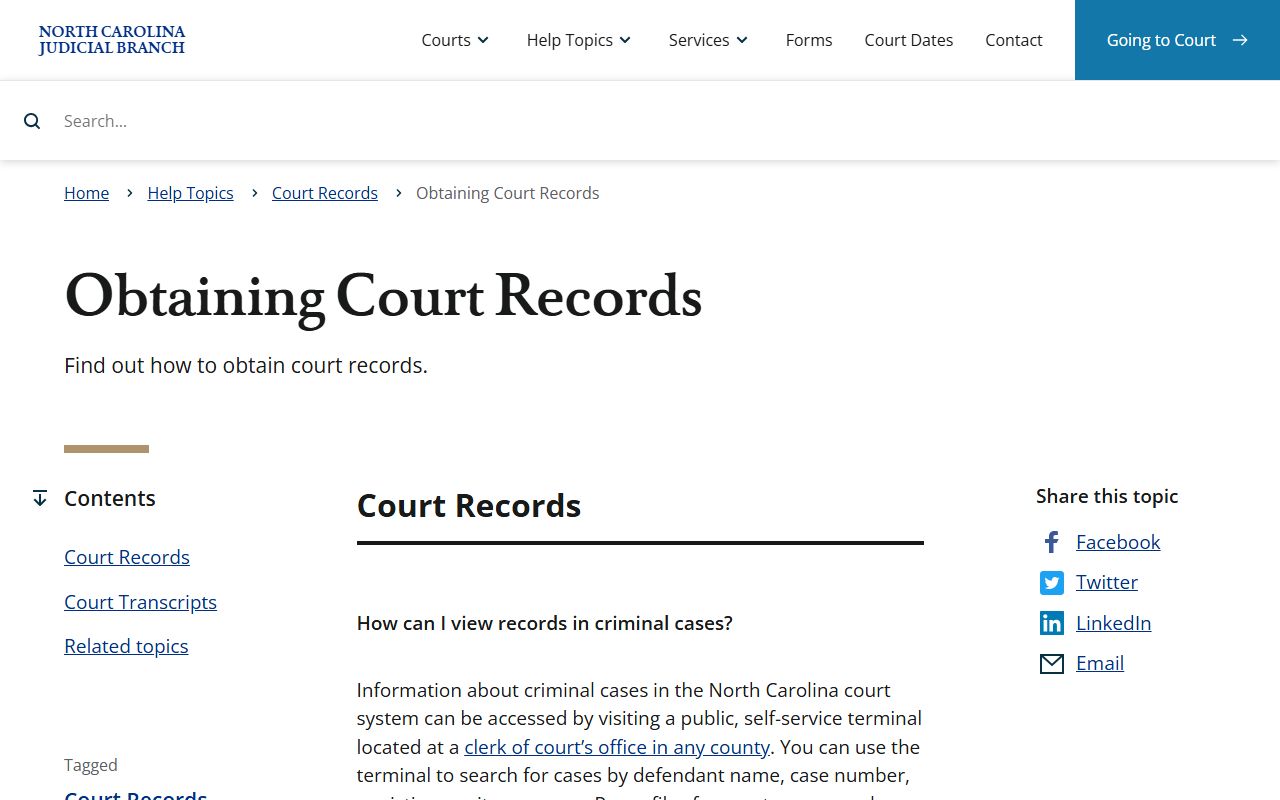
This source reinforces the main access split: online case lookup can start the search, but official copies are routed through the appropriate clerk.
Restricted Jackson County Court Records
Not every record found in the court system is public. Juvenile case records are confidential under Chapter 7B, and N.C. Gen. Stat. § 7B-3000 controls juvenile court record confidentiality. Expunged records are confidential under N.C. Gen. Stat. § 15A-151. Adoption files, mental health proceedings, confidential addresses, Social Security numbers, financial account data, minor identities, and sealed filings should not be treated as routine public copies.
Adult expunction petitions are filed in the county where the case or conviction occurred. For Jackson County, that means filing through the Clerk of Superior Court. Eligibility depends on the charge, outcome, prior record, waiting period, and statutory exclusions. N.C. Gen. Stat. § 15A-145.5 excludes many violent, sex-related, impaired-driving, Class A through G felony, Class A1 misdemeanor, and other listed offenses from the adult nonviolent expunction path.
The western North Carolina eCourts launch is documented in the Judicial Branch press release eCourts Extends to Mountains of Western North Carolina.
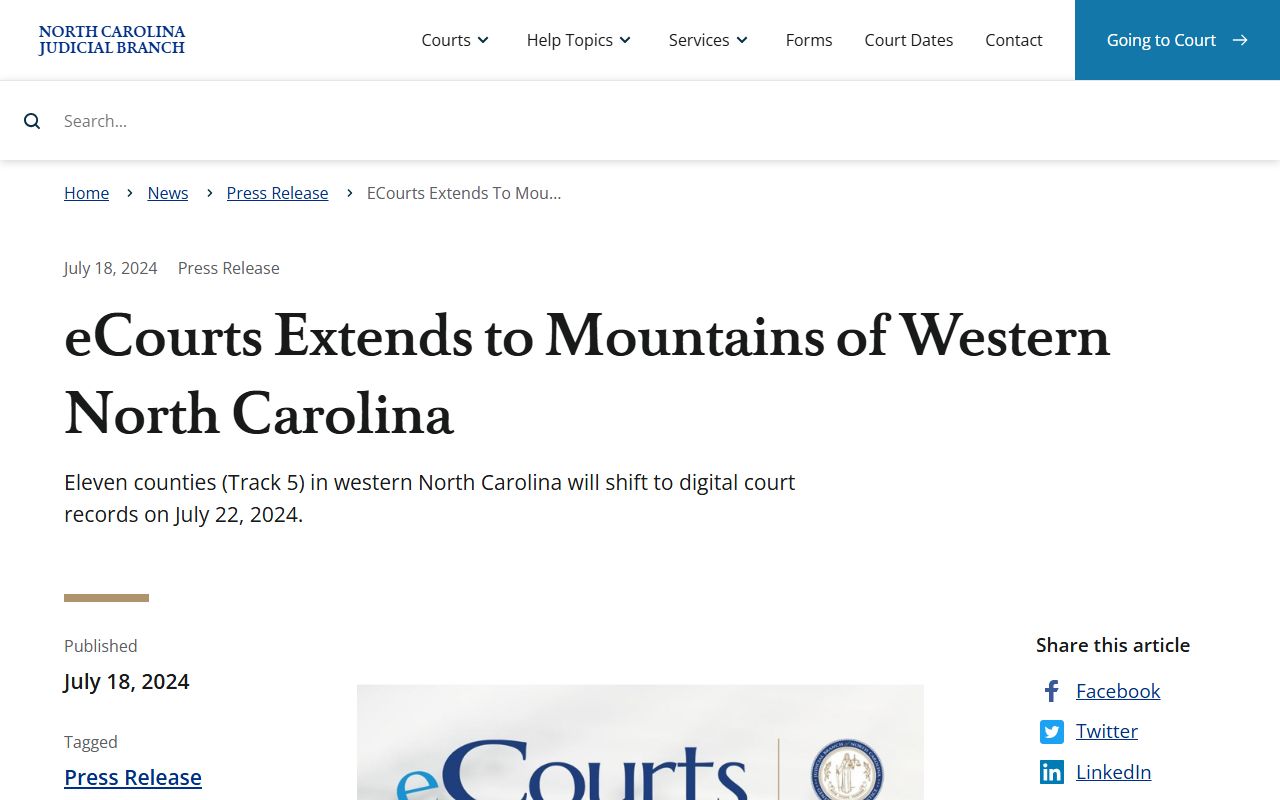
The launch timing explains why current Jackson County court records now route through statewide Portal tools instead of a county-only case search.
Jackson County Clerk Record Requests
The in-person fallback for Jackson County court records is the Clerk of Superior Court at the active courthouse in Sylva. Use the clerk for certified copies, background-check-oriented searches, records not visible in eCourts, older case files, and questions about civil, criminal, traffic, estates, special proceedings, and divorce judgments. Do not use the Register of Deeds for civil or criminal case files, though that office does handle marriage licenses, vital records, land records, plats, and recorded instruments.
Jackson County Clerk of Superior Court
401 Grindstaff Cove Rd
Sylva, NC 28779
(828) 631-6400
Monday-Friday, 8:30 AM-5:00 PM
For mailed court payments, the county payment page says to use a money order or certified check, not cash or personal checks, payable to the Jackson County Clerk of Superior Court. Include the citation number when paying an eligible traffic citation by mail. For records, bring or provide the best case identifier available, such as case number, party names, citation number, approximate filing date, or court type.